How to get colored spaces back?


C:\fakepath\Screenshot 2018-10-26 15.27.34.png
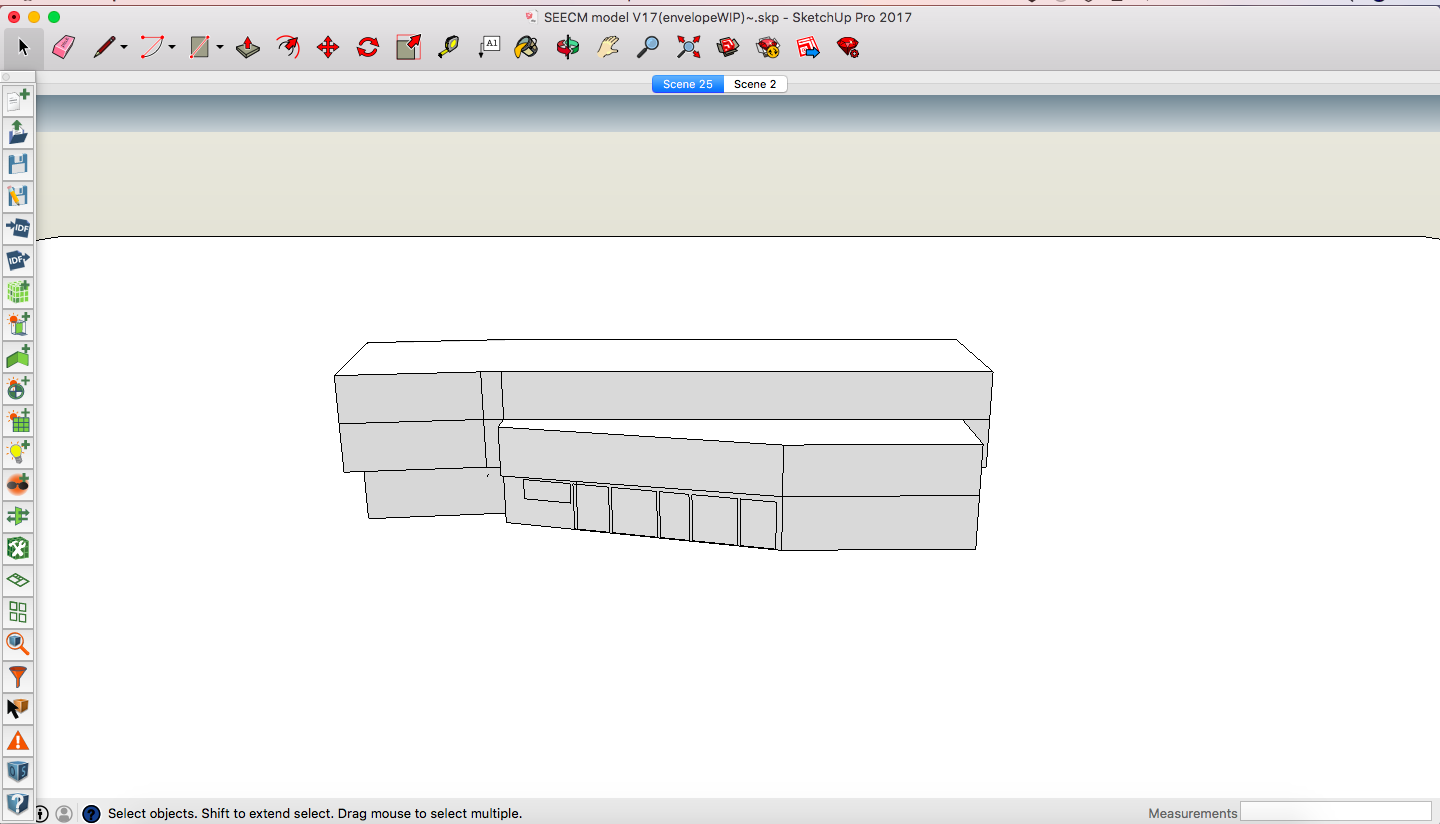
My model was originally colored to indicate different openstudio spaces but now it is all greyed out. How do I fix this?
Thanks

C:\fakepath\Screenshot 2018-10-26 15.27.34.png
My model was originally colored to indicate different openstudio spaces but now it is all greyed out. How do I fix this?
Thanks
Asked: 2018-10-26 14:29:20 -0500
Seen: 195 times
Last updated: Oct 26 '18


Are you only saving and opening the .skp file? From your image link, I see .skp in the end of the file name at the top of the SketchUp window. OpenStudio uses files ending in .osm, not .skp, and you should be using the
Extensions/OpenStudiomenu in SketchUp to save and open files ending in .osm.The .osm file is open as well.