openstudio simulation button



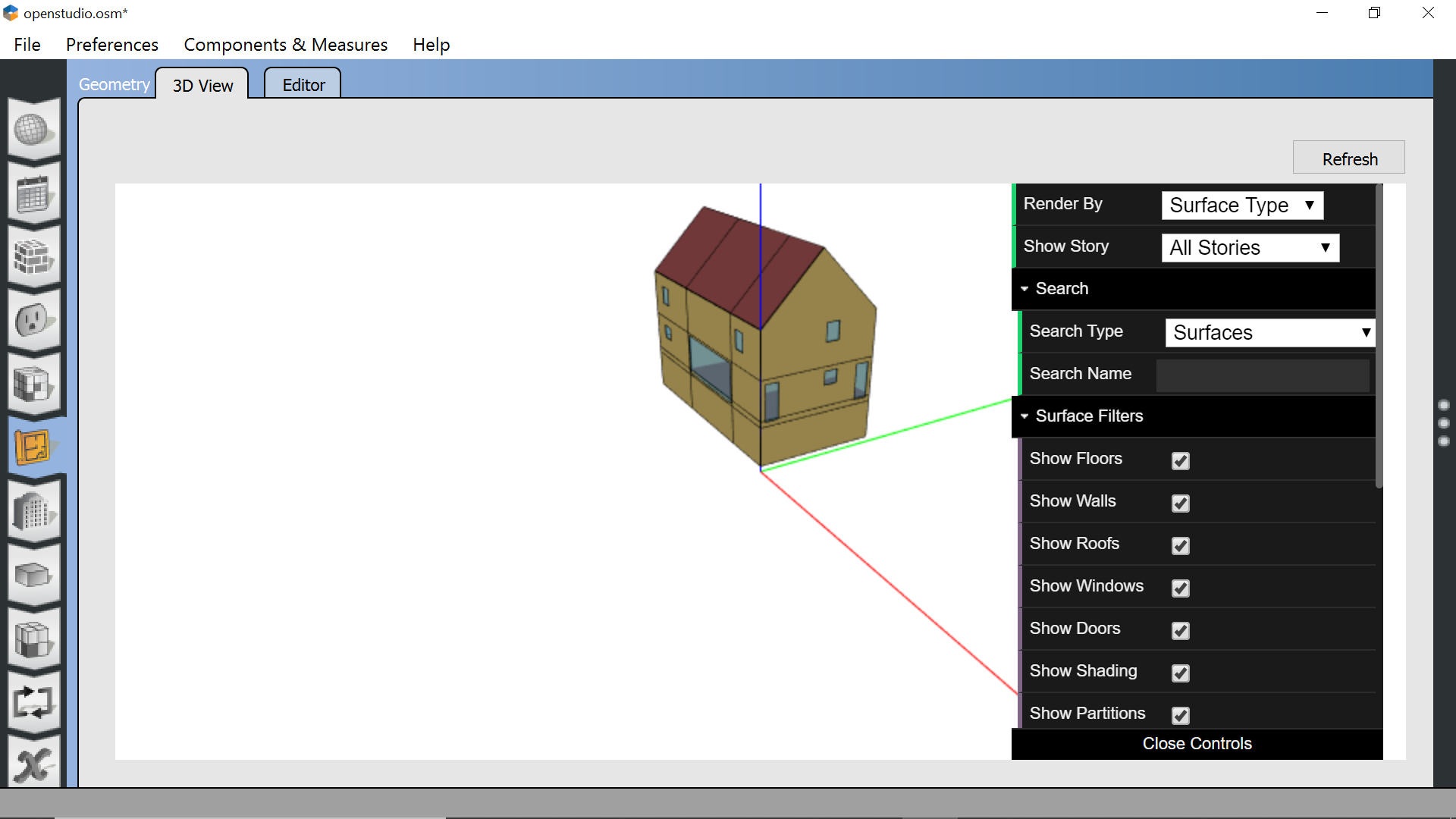
I can't scroll down to the simulation button in openstudio. I don't see a scroll bar, arrow keys don't work either. Sorry for the noob question
Thanks!
First time here? Check out the Help page!

I can't scroll down to the simulation button in openstudio. I don't see a scroll bar, arrow keys don't work either. Sorry for the noob question
Thanks!
I changed the windows setting "Change the size of text, apps, and other settings" from "150% (recommended)" to 100%. That made the whole application window visible. Thanks David for the resolution idea
Please start posting anonymously - your entry will be published after you log in or create a new account.
Asked: 2022-02-04 10:06:54 -0500
Seen: 357 times
Last updated: Feb 07 '22


@GW it looks like your image didn't attach correctly, can you try again?
Can you make your widows taller so all the tables at the left are exposed? What is your screen resolution? Try to increase it if you can.